



Phone:
0086 28 87573647
+86 19150187139

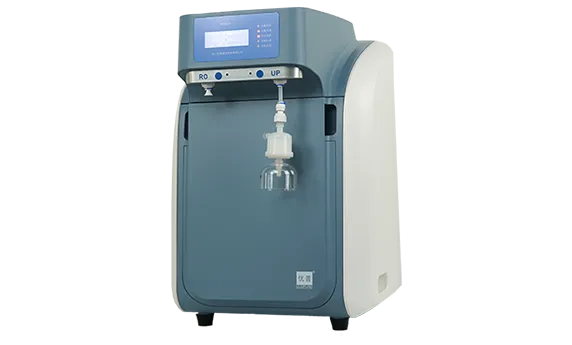
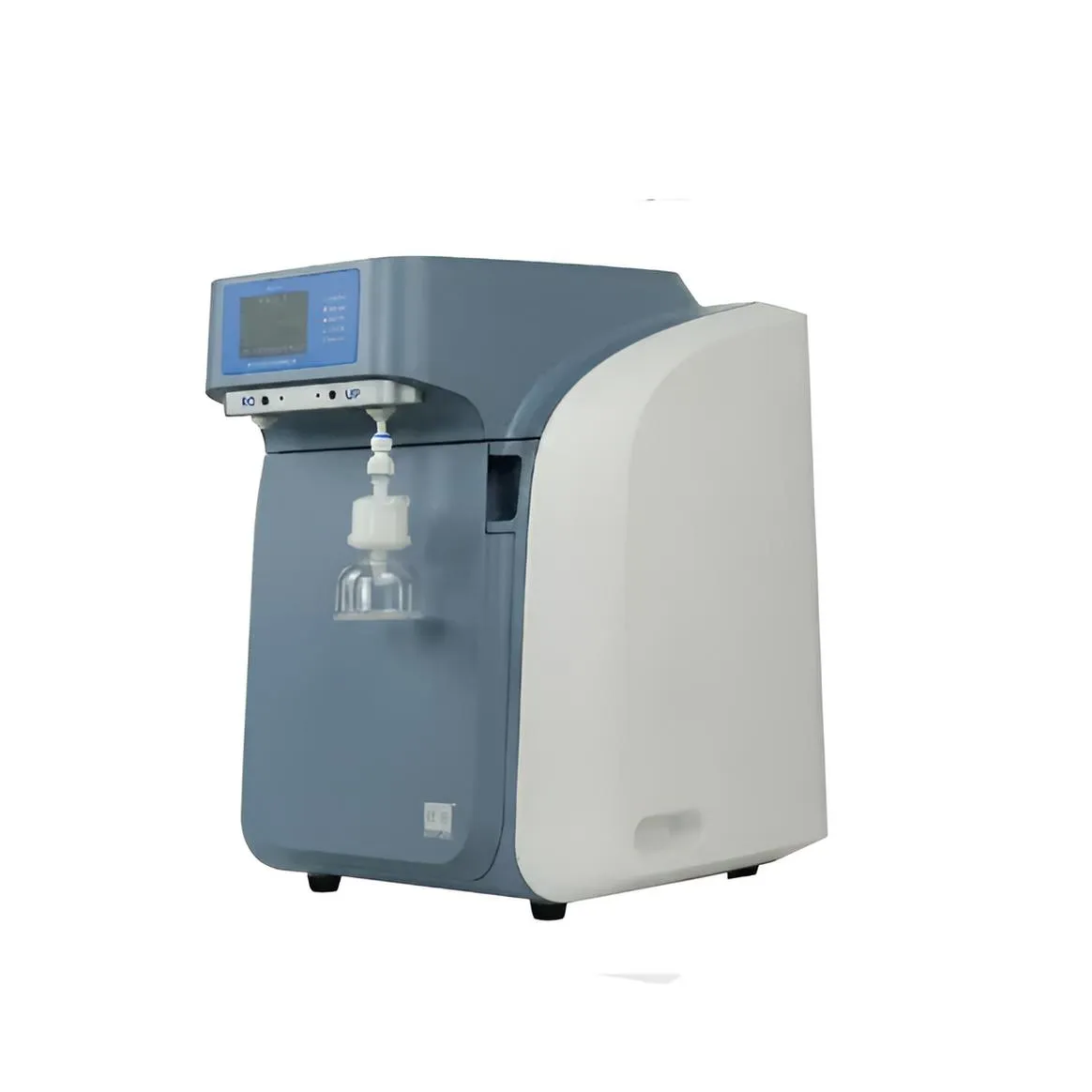
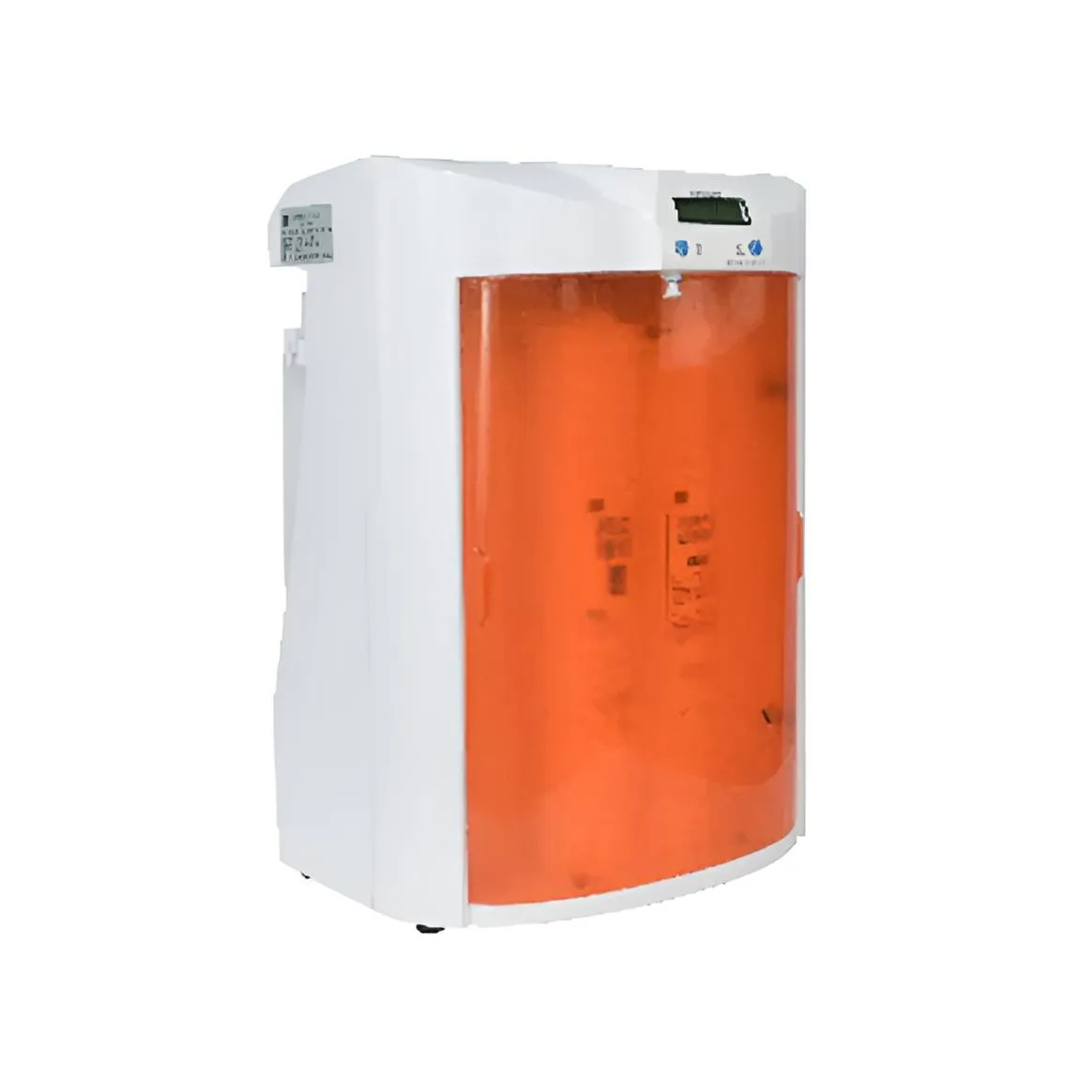
In the domestic ultrapure water system market, "UPU," leveraging its extensive experience accumulated over many years in laboratory ultrapure water manufacturing, is committed to providing customers with laboratory ultrapure water solutions that feature more rational process design, more stable quality, simpler operation, and lower operating costs. UPU ultrapure water systems are widely used in various industries, including medical, food, and chemical industries. Therefore, the following section introduces the operating procedures for UPU ultrapure water system series products:
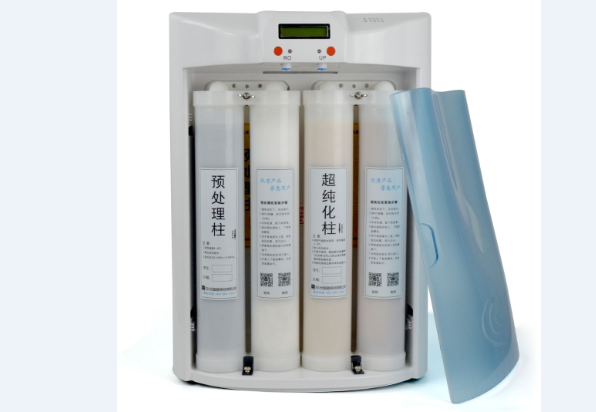
1. Connect the source water to the "Source Water Inlet" port, connect the water tank to the "Water Tank Inlet" port, and connect the wastewater to the "Wastewater Discharge" port.
2. Turn on the water inlet and the power switch at the rear of the unit.
3. The equipment will begin its self-test. During the self-test, the ultrafiltration drain valve will run for 8 seconds.
4. After 18 seconds of self-test, when the source water pressure stabilizes and the water tank is not full, the equipment will begin producing water. (The screen will display "System Producing Water," the water tank symbol on the right will indicate a less than full state, and the word "Producing" will be displayed.)
5. If the source water pressure is insufficient, the screen will display "System Protection in Progress," and the word "Protect" will be displayed below the water tank symbol on the right. The equipment will stop working, but RO or UP water can still be extracted.
6. When the water tank is full, the equipment will automatically stop. The screen will display the main screen, the water tank symbol on the right will indicate a full state, and the word "Stop" will be displayed below.
7. Pressing the Settings/Confirm button will enter the human-machine interface window. Use the up and down arrow keys to select menu items.
8. Enter the RO Water Reservation option. The reservation period and time can be set for scheduled water dispensing. The flow rate can be set from 1 liter to 50 liters. After setting the reservation, water will be automatically dispensed in the set volume when the time arrives. (Note: The dispensing volume is approximate without a flow meter.) During dispensing, the screen displays the RO water being dispensed, along with the conductivity, temperature, and flow rate. Dispensing stops when the set volume is reached.
9. UP Water Reservation is the same as RO Water Reservation. The difference is that water cannot be dispensed if the UP water resistance value is below the lower limit.
10. UP Water Setting. This option sets the lower limit for UP water dispensing, from 2MΩ to 18MΩ. This function prevents UP water from being dispensed when the UP water resistance value is below the set lower limit, and displays "Below Lower Limit".
11. History Records: This function displays water collection records from the latest record to the previous 30. Each record includes the collection time, date, conductivity or resistance value, temperature, and volume (in liters).
12. Time Setting: This function sets the system date and time.
13. Flow Coefficient: Used for manufacturer- or user-approved flow meter readings. A higher value indicates a higher flow rate.
14. "Circulate/Cancel" Button: Pressing this button cancels the function when entering the menu options.
When on the main screen, or on the "System Water Production" or "System Protection" screen, pressing this function initiates system circulation and displays the readings. Circulation stops when the countdown reaches its limit. You can also press the Circulate button to exit circulation.
15. RO Water Dispensing Button: Pressing the RO button dispenses water from the RO outlet and displays conductivity, temperature, and flow rate values. Pressing it again stops the flow.
16. UP Water Dispensing Button: When the UP water dispensing button is pressed, water dispensing will stop when the resistance value falls below the set lower limit. To dispense water, press the circulation button. If circulation fails, replace the consumables. When the resistance value is above the set lower limit, water will flow from the UP outlet, and the resistance value, temperature, and flow rate will be displayed.
The above is a general operation manual for the UPU ultrapure water system series, applicable to most products. For products with special configurations, please refer to the specific product manual or contact UPU after-sales personnel for assistance. Welcome to call Sichuan UPU Ultrapure Technology's national customer service hotline: 400-884-6567. Here, UPU's professional after-sales service personnel and senior technical engineers will provide one-on-one guidance and comprehensive answers to all your technical questions.